A more efficient way to handle reports, with a modern and intuitive experience.
Install quickly and begin working without a complicated setup process.
Focus on what matters with a layout designed for clarity and ease of use.
Spend less time navigating and more time getting work done.
Simple to adopt whether you work alone or across multiple users.
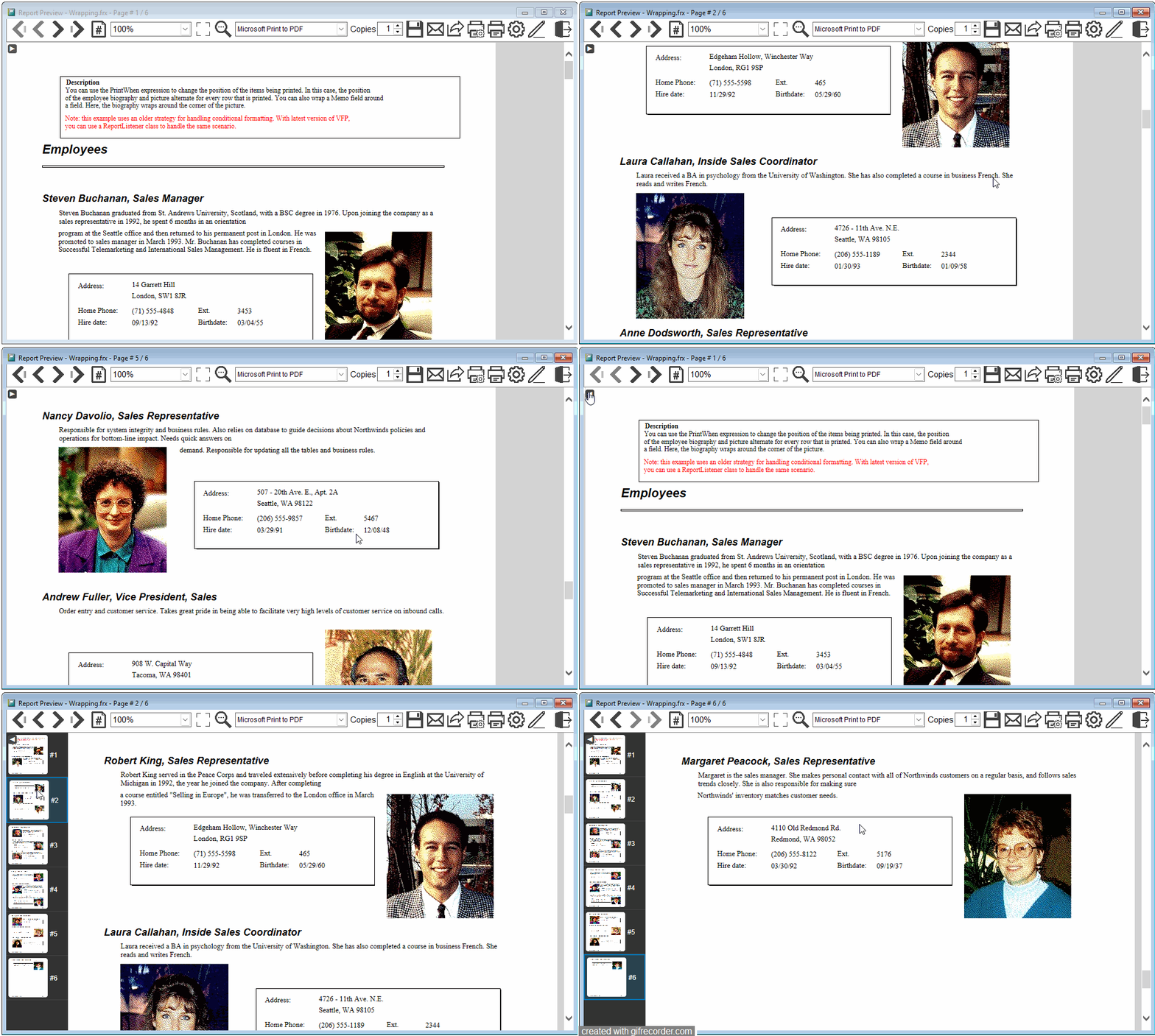
Continuous scrolling, live thumbnails, annotations and modern rendering technologies for Visual FoxPro reports.
Navigate reports naturally with smooth scrolling and quickly browse pages using live thumbnails.
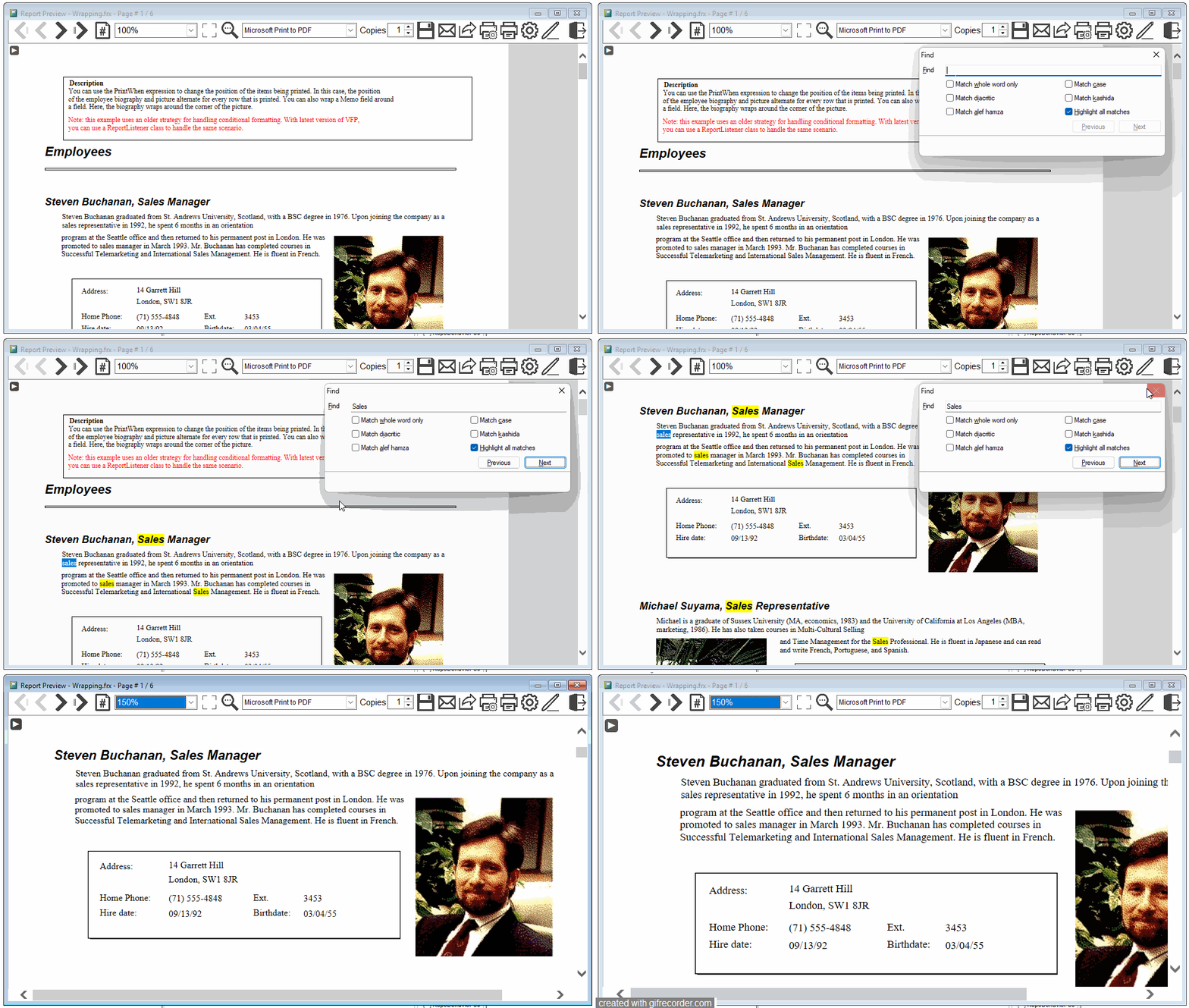
Easilly locate any content and zoom naturally.
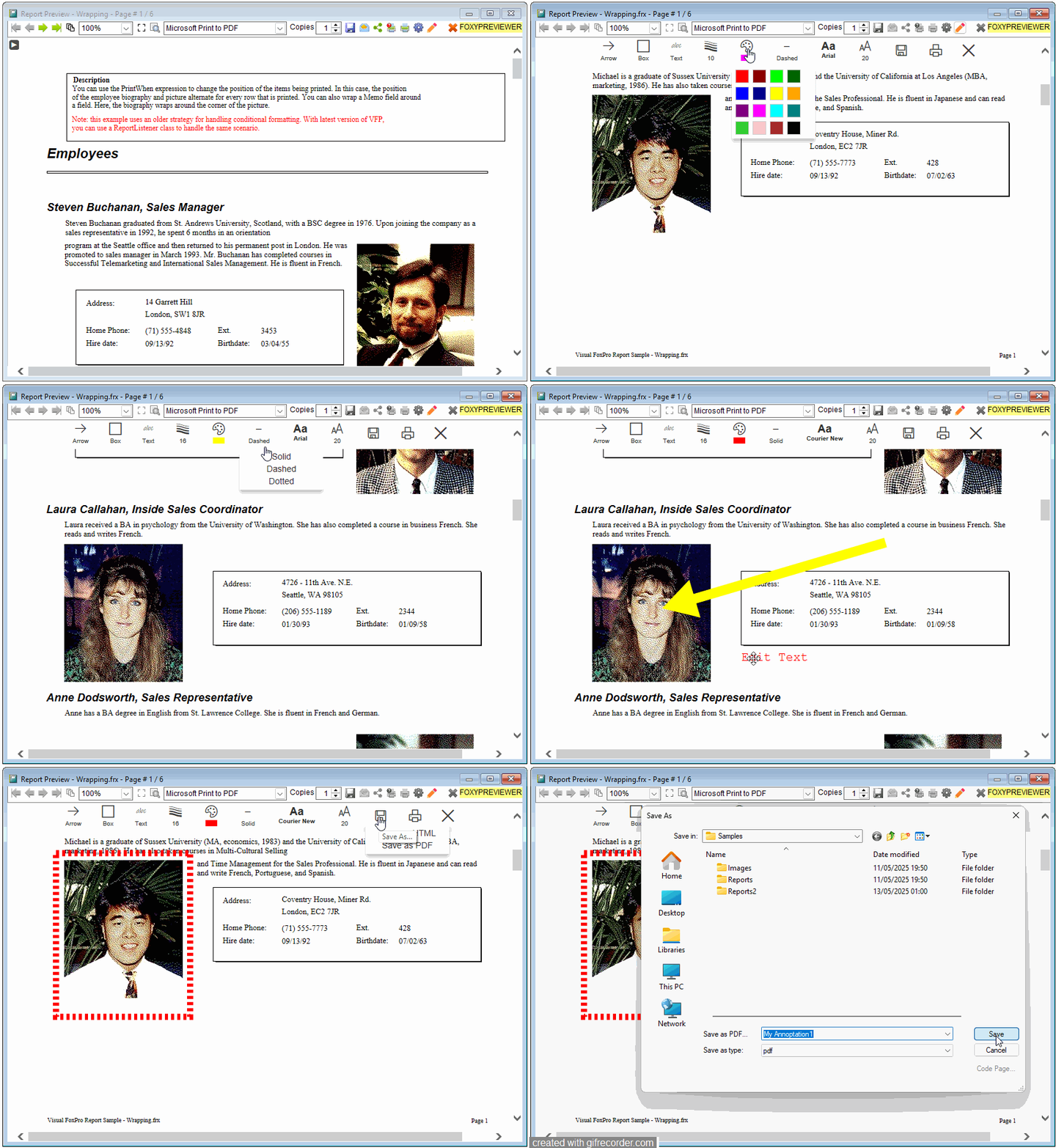
Draw rectangles, arrows and notes directly over reports.
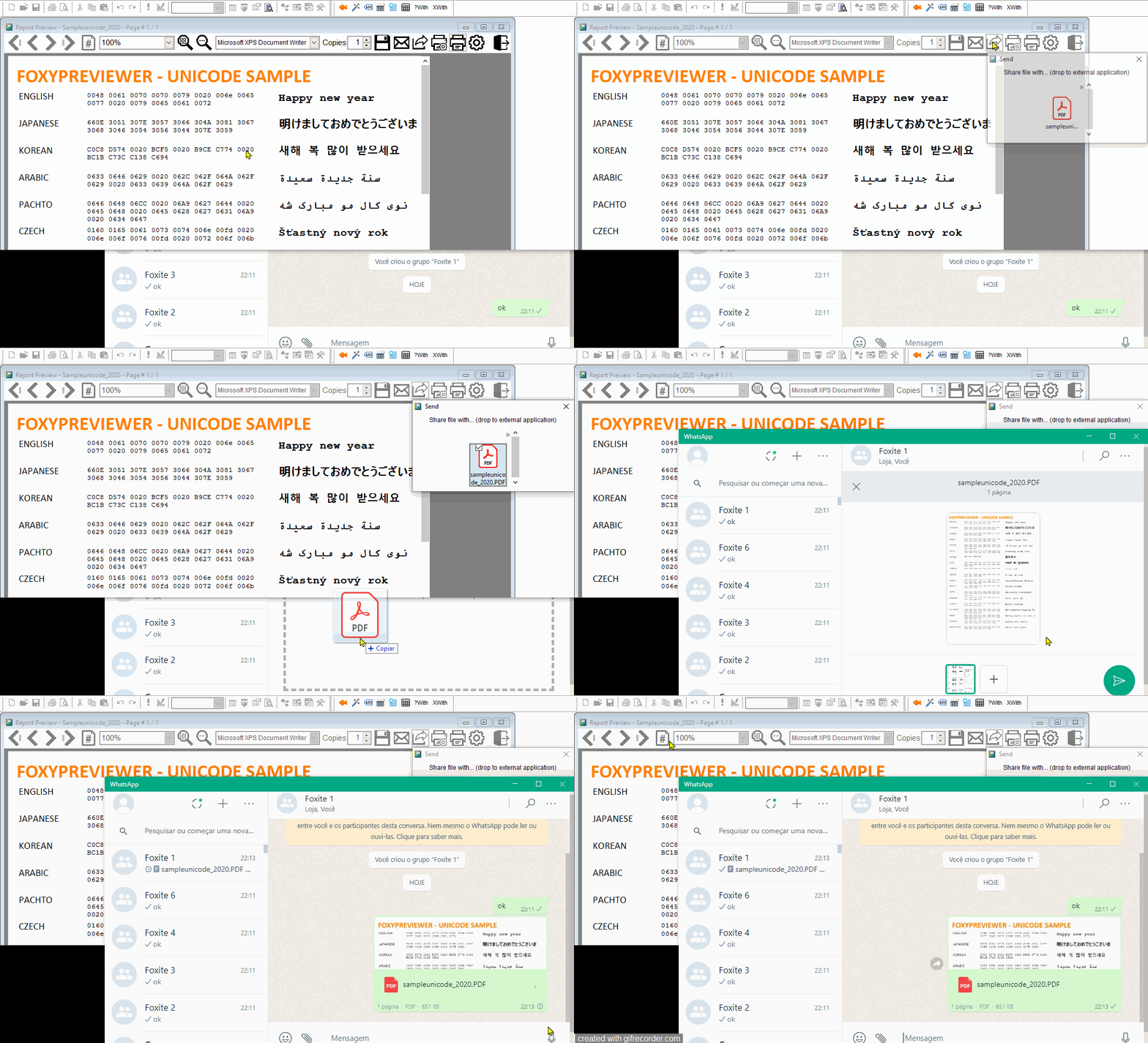
Drag and drop a PDF version of your current report to any App or window.
Start in just a few minutes. No unnecessary complexity.
Get the latest version, unzip and save “FoxyPreviewer.App” in the same folder as your EXE.
DO FoxyPreviewer.App
... and the magic begins! From this moment on, your reports will be managed by FoxyPreviewer. The new toolbar, and all features will be available on every report run.
Minimal changes, with a HUGE upgrade!
Customize everything using the global "_Screen.oFoxyPreviewer" object.
DO FOXYPREVIEWER.APP
* Start customizing in infinite ways!
_Screen.oFoxyPreviewer.cLanguage = "SPANISH" && Ignore for English (Default)
_Screen.oFoxyPreviewer.nPreviewMode = 4 && HTML Preview
REPORT FORM YourReport PREVIEW
* Intellisense shows all available properties and usages
Common questions
Yes. The setup process is quick and simple.
Sure. Download the latest version and evaluate it freely with all features.
Yes. FoxyPreviewer works well for individuals and teams.
No! The interface is intuitive. Intellisense will help you 90% of the time
Compare the available options on the pricing page.
Ideal for preview, exporting and printing workflows.
Download FoxyPreviewer and move through file viewing, review and printing with a faster, cleaner workflow.